


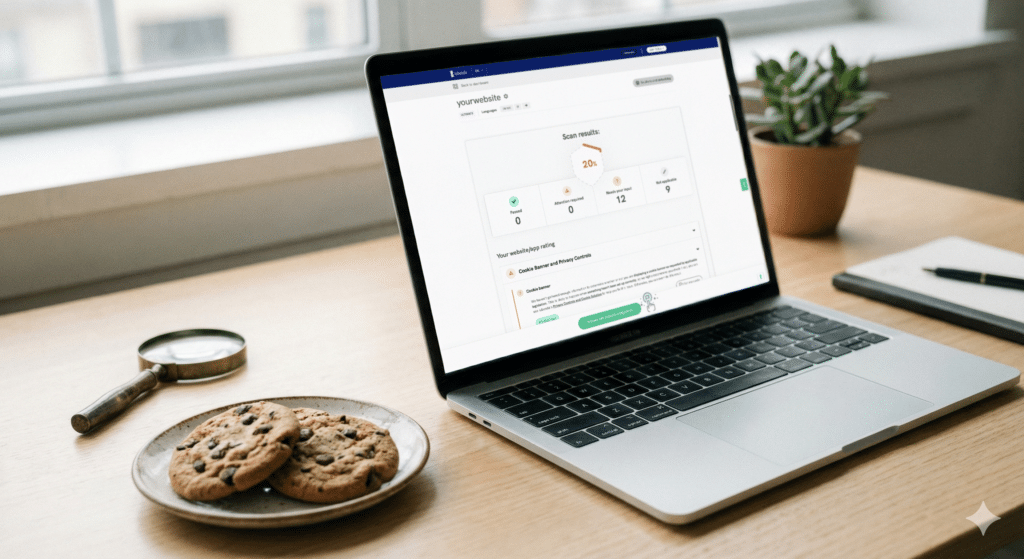
Website cookies play an important role in modern browsing experiences. They can remember user preferences, support website functionality, analyze traffic, and help deliver personalized content. However, websites also need to understand what cookies they use and whether those cookies are being handled appropriately. This is where free cookie audit software can be useful. For beginners, such tools provide a simple way to scan a website, identify cookies, and understand where they come from and what they do.
What Is Cookie Audit Software?
Cookie audit software is a tool designed to examine the cookies placed or accessed by a website. A cookie audit can reveal information such as cookie names, providers, categories, purposes, and expiration periods.
Some cookies are essential for basic website functions, while others may be used for analytics, advertising, personalization, or third-party services. A cookie audit helps website owners create a clearer picture of these technologies.
Free cookie audit software can be particularly helpful for small businesses, bloggers, startups, and website administrators who want to begin reviewing their cookie practices without immediately investing in expensive compliance solutions.
Why Should Beginners Perform a Cookie Audit?
A website can contain more cookies than its owner expects. Third-party services such as analytics platforms, advertising networks, embedded videos, social media tools, and chat applications may introduce additional cookies.
Regular auditing can help website owners:
- Discover cookies currently used on their website
- Identify third-party cookies
- Understand the purpose of different cookies
- Find unexpected or unnecessary cookies
- Improve cookie disclosures
- Support privacy and compliance processes
- Monitor changes after website updates
A cookie audit does not automatically make a website compliant, but it provides useful information for making informed improvements.
How to Start Using Free Cookie Audit Software
The first step is to select a reputable free cookie audit tool. Look for software that can scan your website and provide understandable information about detected cookies.
Once you have selected a tool, enter your website address into the scanner. Depending on the software, you may be asked to provide additional information or select specific scanning options.
After starting the audit, the software typically visits pages or analyzes website resources to identify cookies. The scanning process may take a few moments, depending on the size and structure of the website.
Review the Audit Results
After the scan is complete, carefully review the results. A typical report may include the cookie name, domain, duration, category, and possible purpose.
For example, you may find cookies related to:
Essential Functions
Essential cookies support important website functions, such as maintaining sessions, security, or user preferences. These may be necessary for the website to operate properly.
Analytics
Analytics cookies can help website owners understand how visitors interact with their pages. They may provide information about traffic, page visits, and user behavior.
Advertising and Marketing
Marketing cookies can be associated with advertising platforms and may be used to understand browsing activity or personalize advertisements.
Third-Party Services
Embedded services and external platforms can introduce cookies that website owners did not directly create. These should receive particular attention during an audit.
Check for Unknown Cookies
One of the most useful parts of a cookie audit is discovering unfamiliar cookies. If you find a cookie that you do not recognize, investigate which service created it and why it appears on your website.
Check your website's plugins, scripts, advertising tools, analytics services, and embedded content. An unfamiliar cookie may come from a legitimate third-party service, but it is still important to understand its purpose.
Removing unnecessary scripts or services may also reduce unwanted cookies and simplify website management.
Compare the Results With Your Cookie Policy
After completing the audit, compare the detected cookies with the information provided in your website's cookie or privacy policy.
The information presented to visitors should accurately reflect the technologies being used. If the audit discovers cookies that are missing from your documentation, investigate them and update your documentation where appropriate.
This step is important because website technologies can change over time. Installing a new plugin or marketing tool may introduce additional cookies without the website owner realizing it.
Run Audits Regularly
A cookie audit should not necessarily be a one-time task. Websites change frequently. New plugins, tracking tools, advertising services, and website updates can affect cookie usage.
Consider running a free cookie audit after major website changes and periodically as part of your privacy management routine. Keeping records of previous audits can also make it easier to identify changes over time.
Understand the Limits of Free Tools
Free cookie audit software can be an excellent starting point, but beginners should understand its limitations. A scanner may identify cookies without fully determining the legal requirements that apply to a particular website.
Privacy and cookie requirements can depend on factors such as the website's audience, location, business activities, and types of data collected. Therefore, an audit report should be treated as an informational resource rather than a complete legal assessment.
Conclusion
Using free cookie audit software is a practical first step for website owners who want to understand their website's cookie activity. By scanning a website, reviewing detected cookies, investigating unknown entries, comparing results with existing policies, and performing regular audits, beginners can develop better awareness of their site's privacy practices.
The key is to treat cookie audit plugin auditing as an ongoing process. As websites add new services and technologies, regular reviews can help keep cookie information organized, transparent, and easier to manage.
